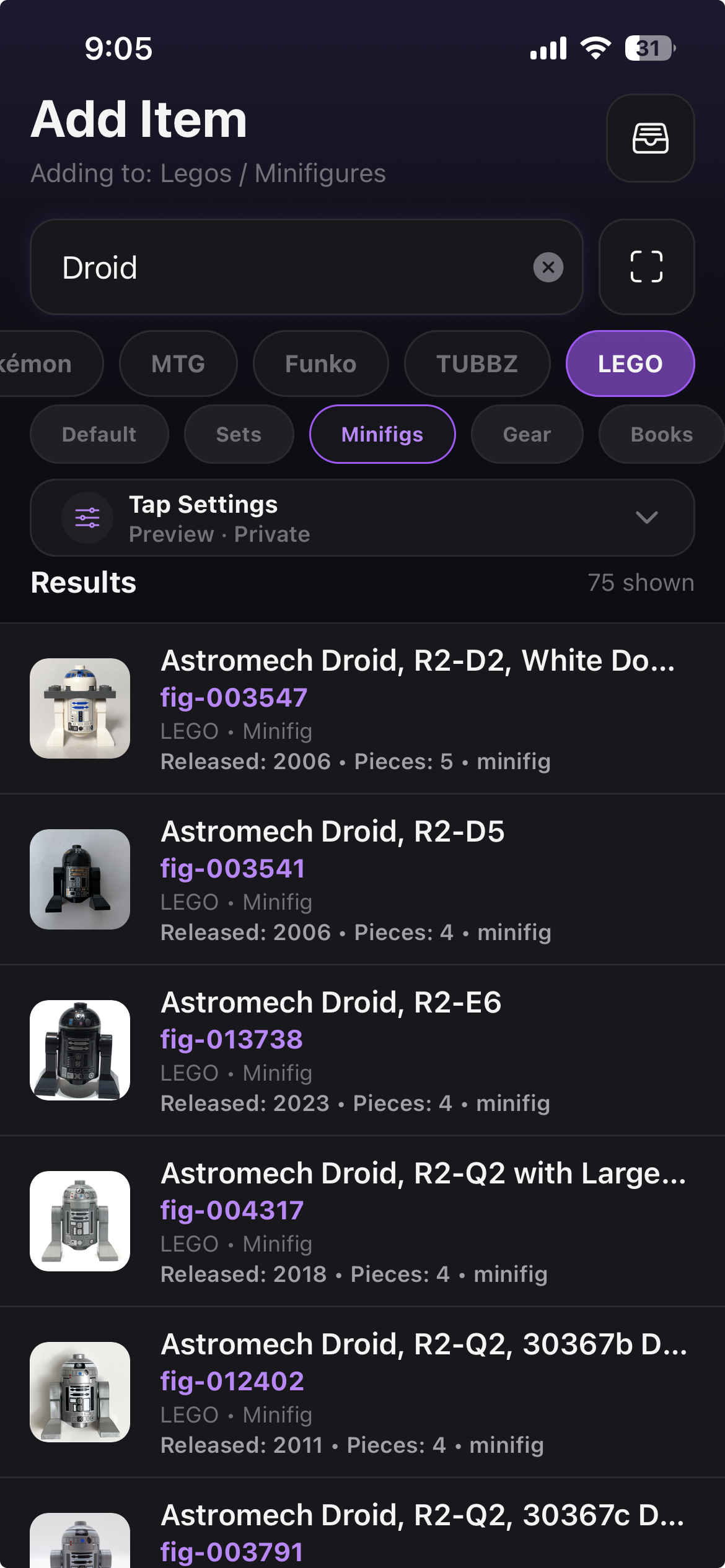
Add an item
Find it fast
Search the catalog, scan a barcode, or snap a card — Stash-d identifies your item and fills in the details.
Stash-d digitizes your collectibles. Scan trading cards and Funko Pops — even in bulk — browse a massive catalog, track pricing, build lists and wishlists, and show off your collection with your own profile.
Features
Digitize what you own, keep every detail in one place, and share the pieces worth showing off.
Point your camera at a trading card or Funko Pop and Stash-d identifies it, pulling in the details automatically.
Camera scanRip through a whole box at once. Scan stacks of cards or shelves of Pops and add them to your stash in batches.
Bulk modeSearch and browse a huge catalog of collectibles — Pokémon, Magic, Funko, LEGO, and more — instead of typing everything by hand.
Search & browsePokédex-style set-completion challenges for Pokémon, MTG, Funko, and more. Track your progress and complete the set.
Set completionOrganize with lists, and build giftable wishlists friends and family can shop — with purchased tracking so nothing gets bought twice.
ShareableSee market pricing context for your items, so you always know what your stash is worth.
Market dataHow It Works
Three steps. No spreadsheets, no friction — just your collection, digitized.
Scan a card or Pop, search the catalog, or add anything manually — bulk scanning handles whole boxes at once.
Keep photos, condition, grading, purchase info, and notes for every item, grouped by category and collection.
Build public lists, giftable wishlists, and a profile that shows your collection at its best.
See It in Action
Real screens from the app — adding, organizing, sharing, and wishlisting.
Search the catalog, scan a barcode, or snap a card — Stash-d identifies your item and fills in the details.
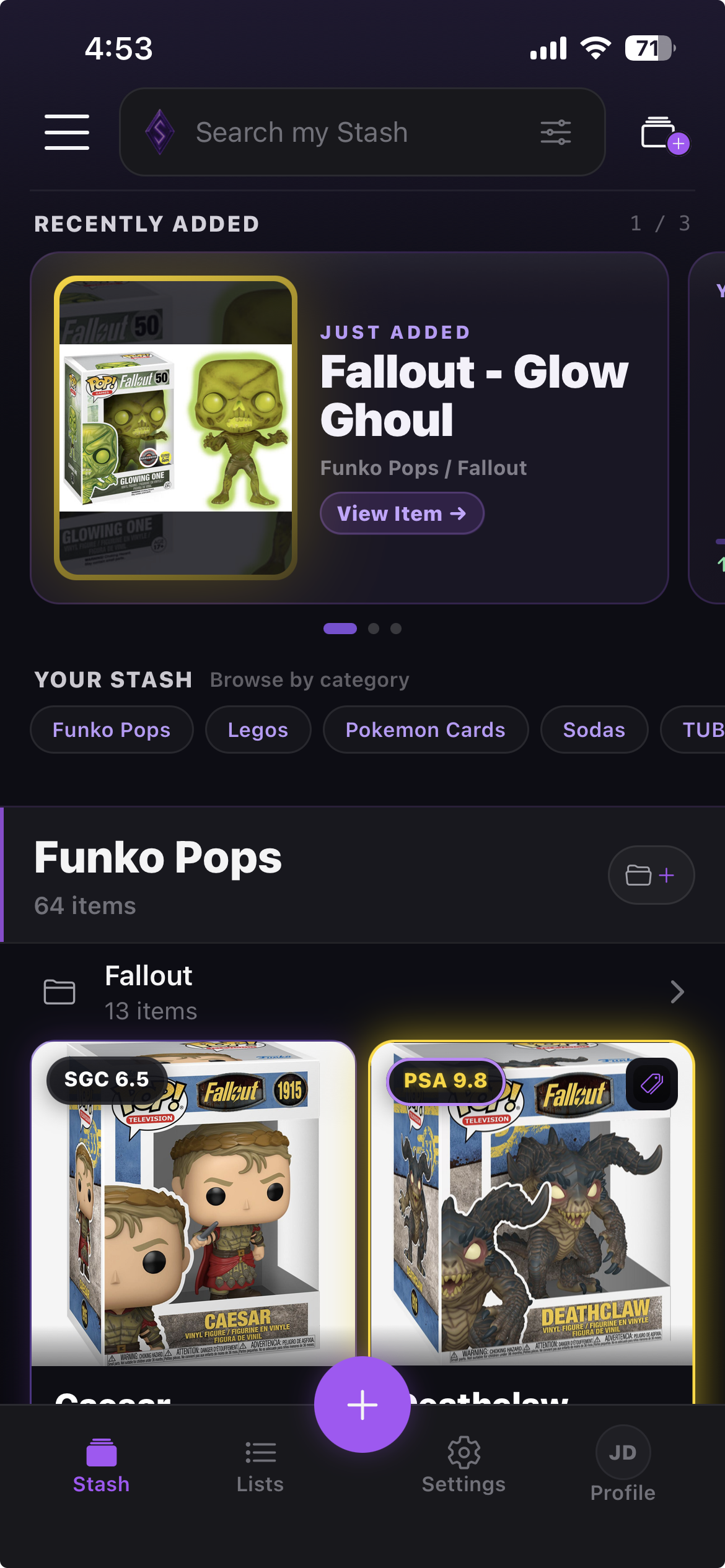
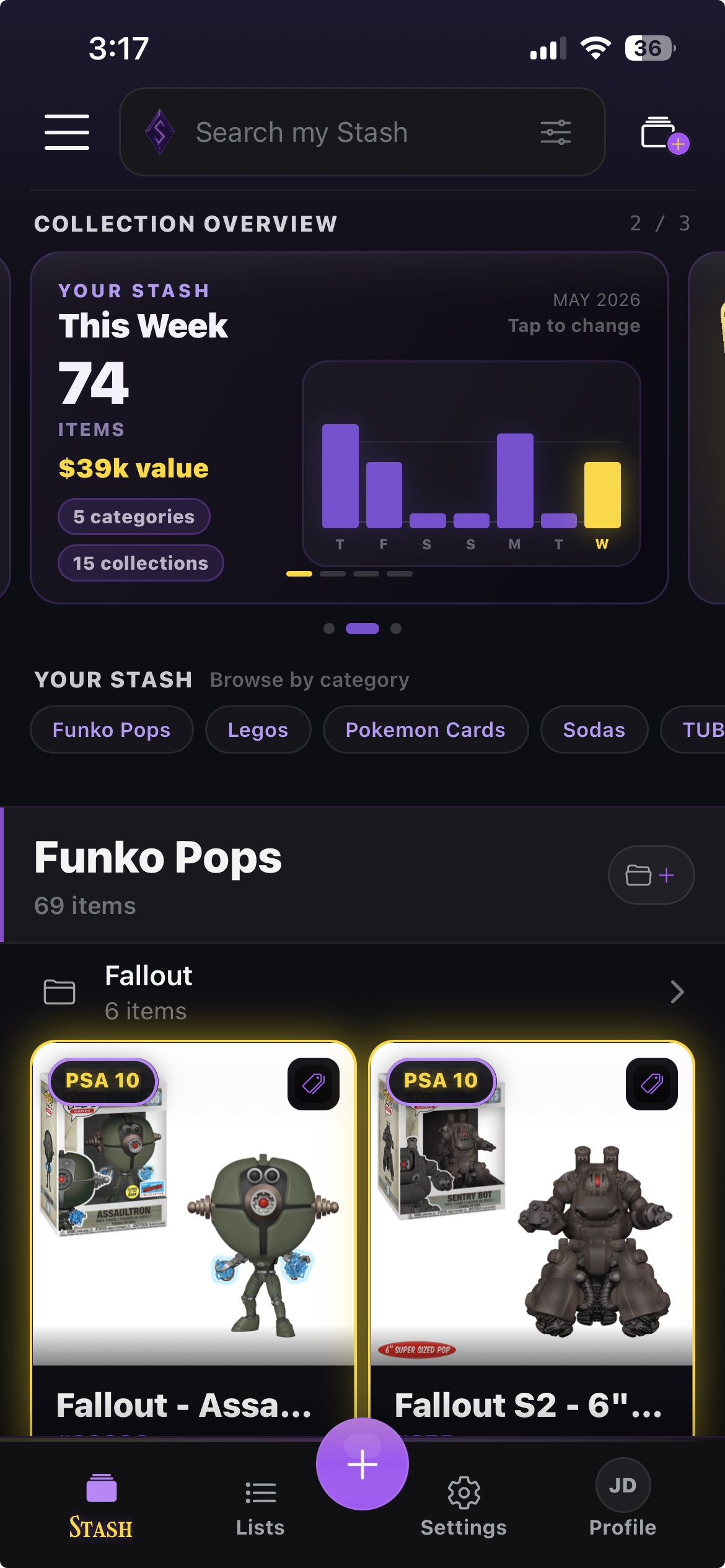
Browse by category and collection, track value, and keep every detail of every item in one place.
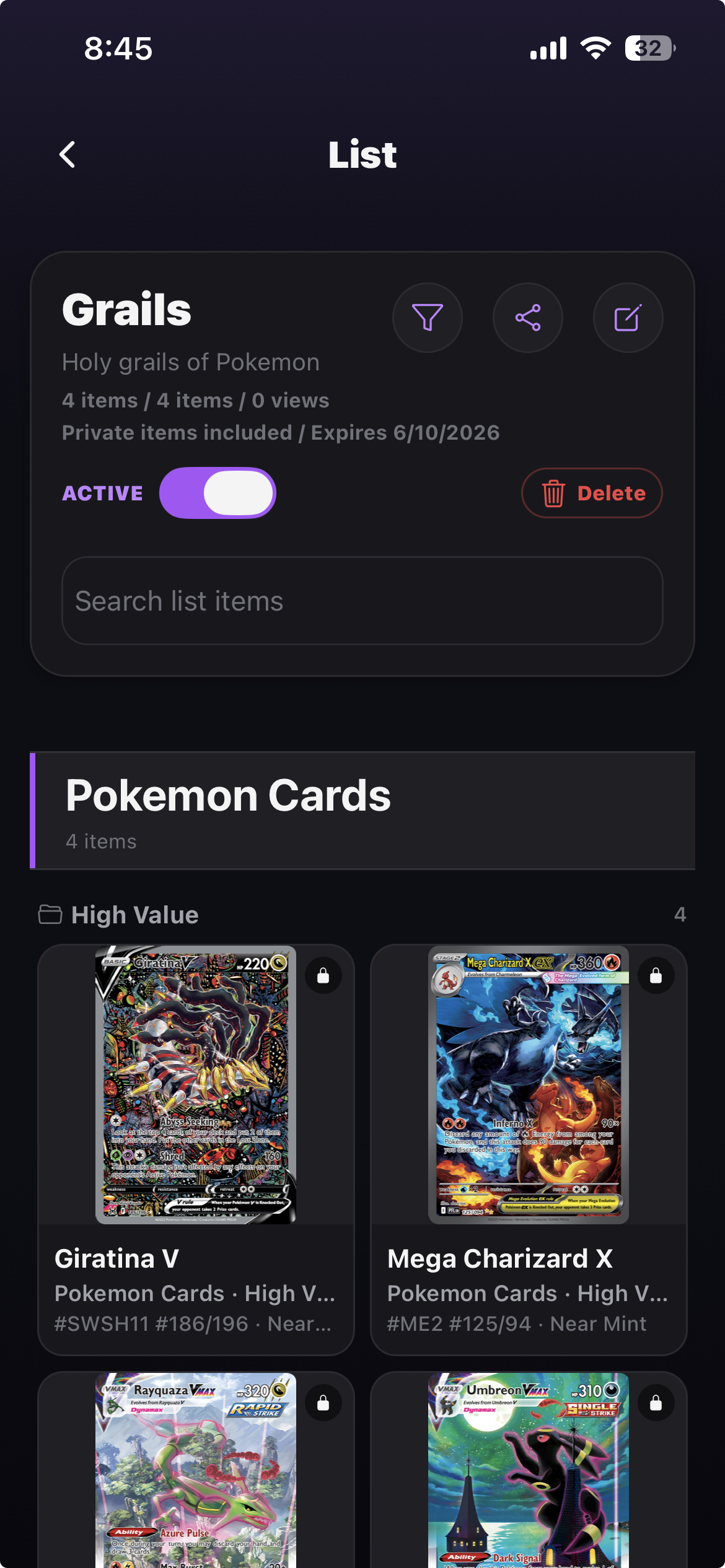
Create public lists from your collection and share them with anyone — no app required to view.
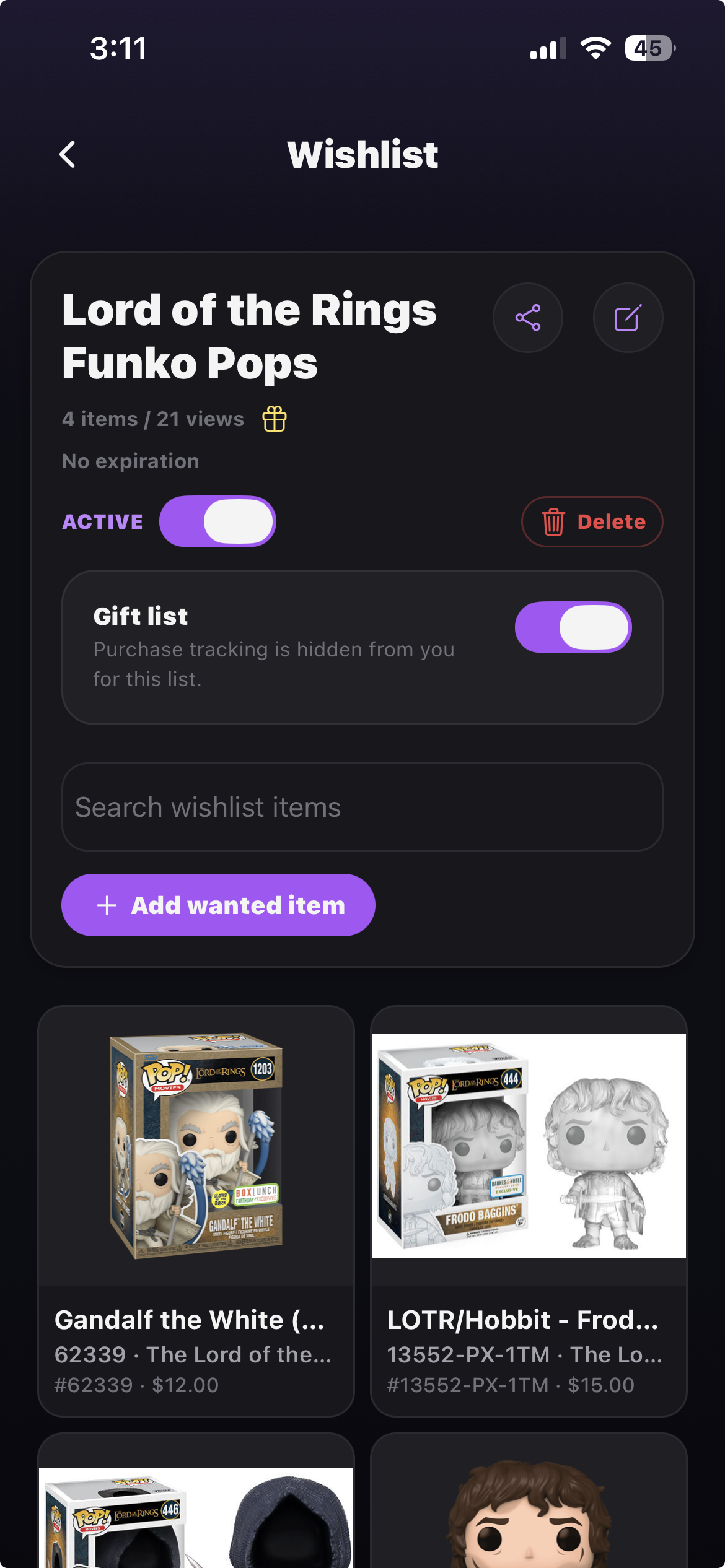
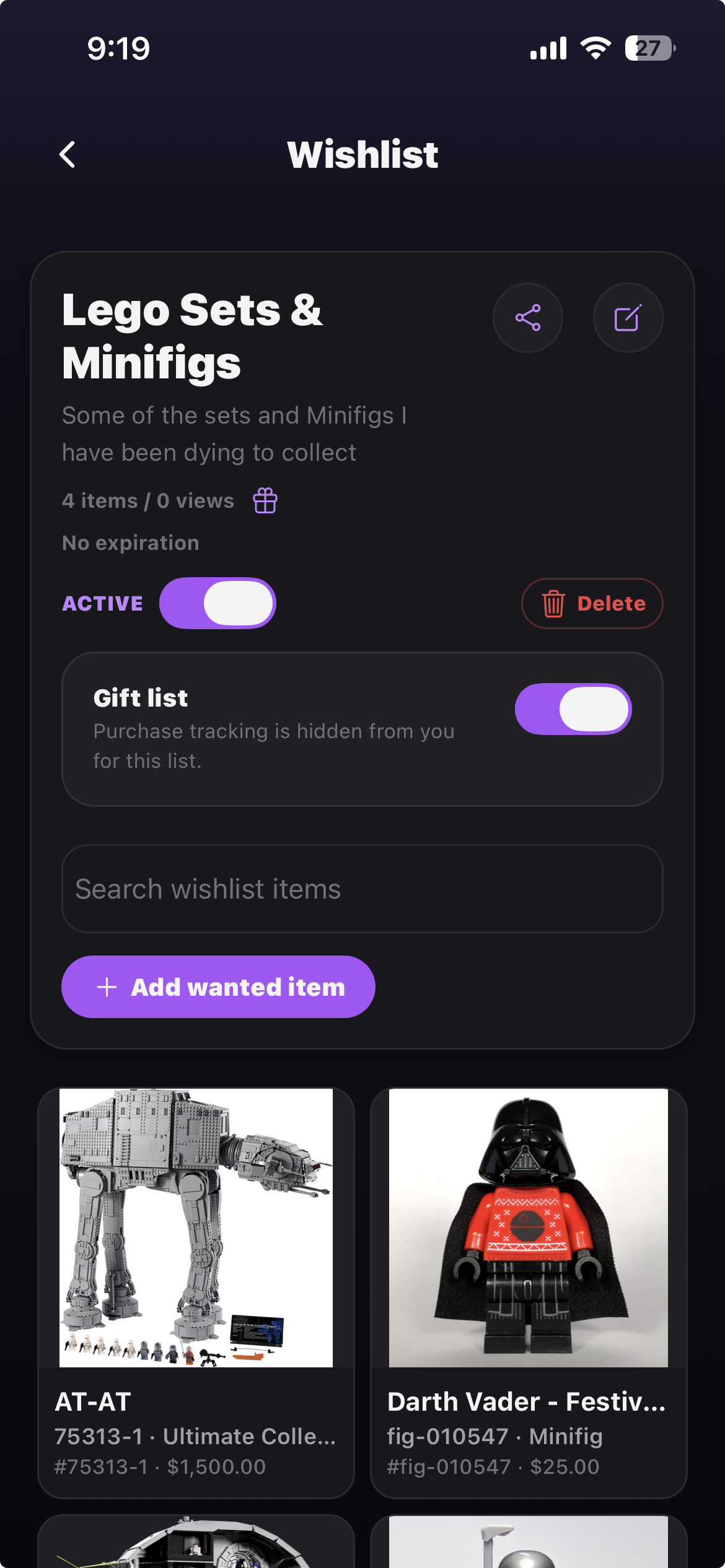
Share what you want and let friends mark gifts purchased, so nothing gets bought twice.
The Catalog
Catalog-backed entries where possible, manual records when your collection gets wonderfully specific.
More collectible types on the way.
Coming soon · iOS & Android
Stash-d is almost ready. Drop us a line and we'll let you know the moment it launches — and what to scan first.
Free to start · iOS & Android